
The Backup & Restore feature in Demi WordPress Plugin helps you keep your website safe by allowing you to create backups and restore them whenever needed.
Backups are useful if something goes wrong with your website, such as a failed update, configuration change, or server issue. With Demi, you can easily create backups and manage them directly from your WordPress dashboard.
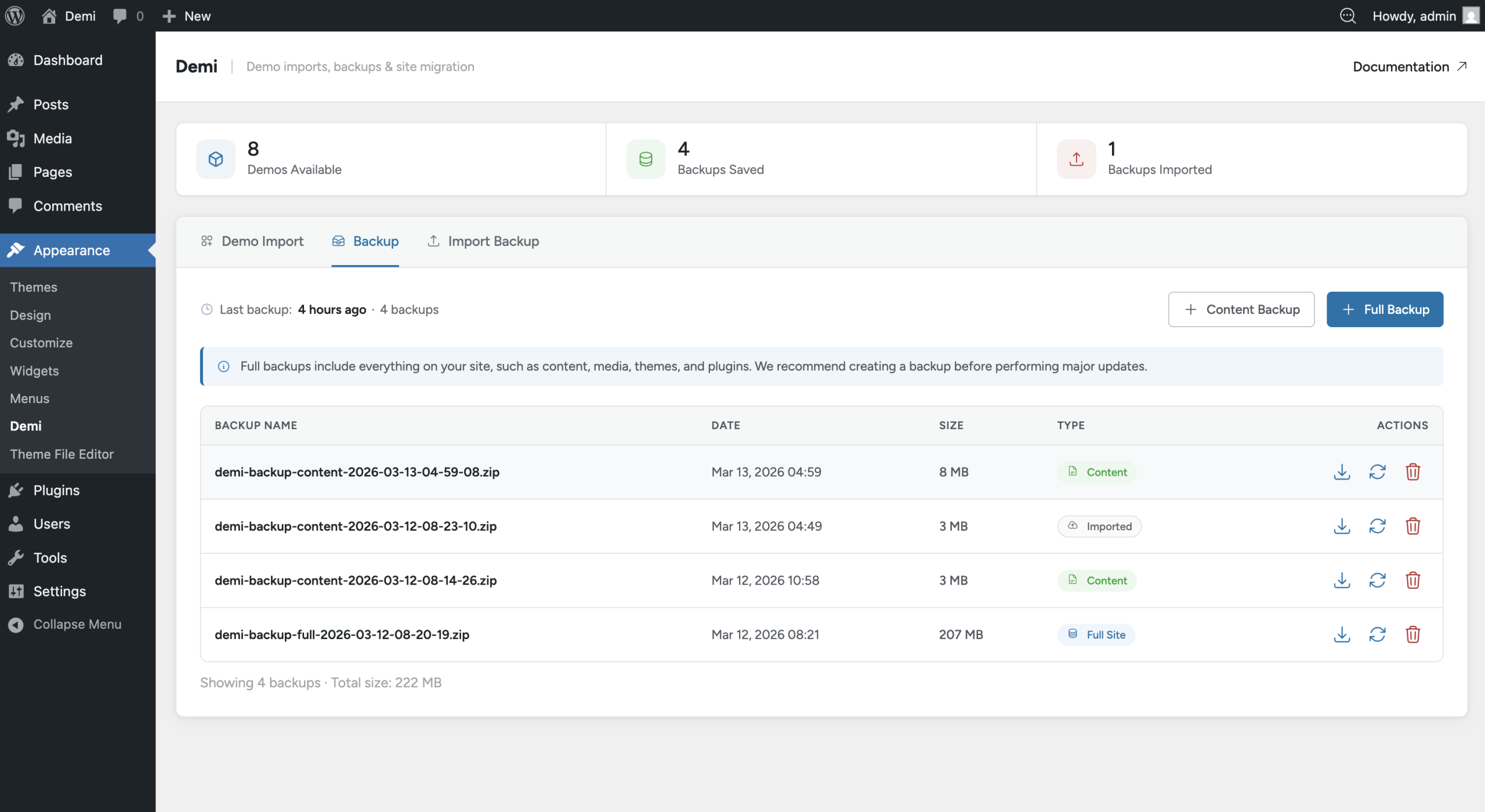
Demi supports two types of backups: Content Backup and Full Backup.
Content Backup
A Content Backup includes the main content and settings of your website. This type of backup stores your posts, pages, media files, options, and other site settings. It is useful when you want to keep a copy of your website content without backing up the entire site files.
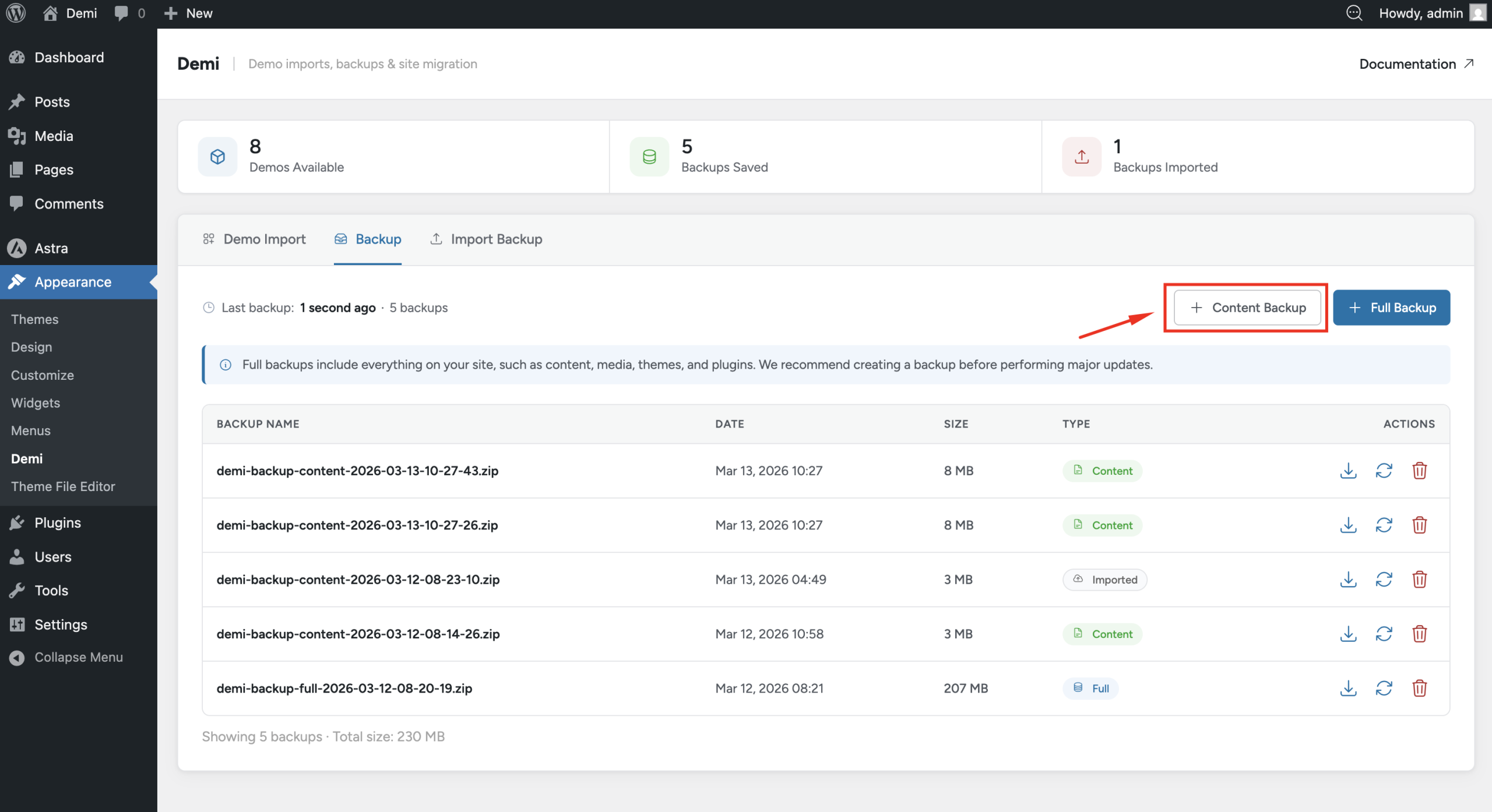
To create a content backup, go to Appearance → Demi and click the Create Content Backup button. Demi will generate the backup automatically.
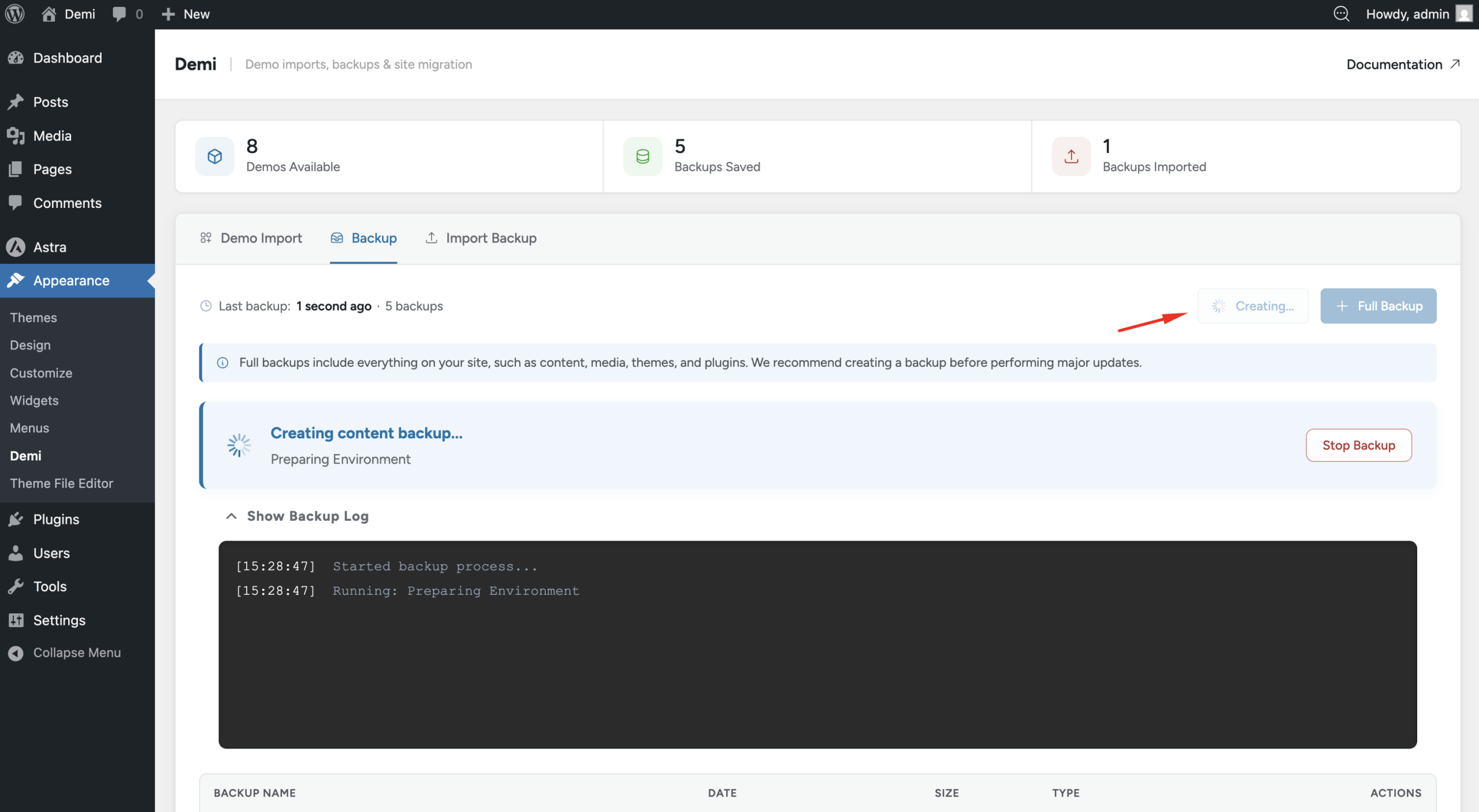
Full Site Backup
A Full Backup creates a complete backup of your website. This includes the database, themes, plugins, media files, and all website content. This type of backup allows you to restore your entire website exactly as it was.
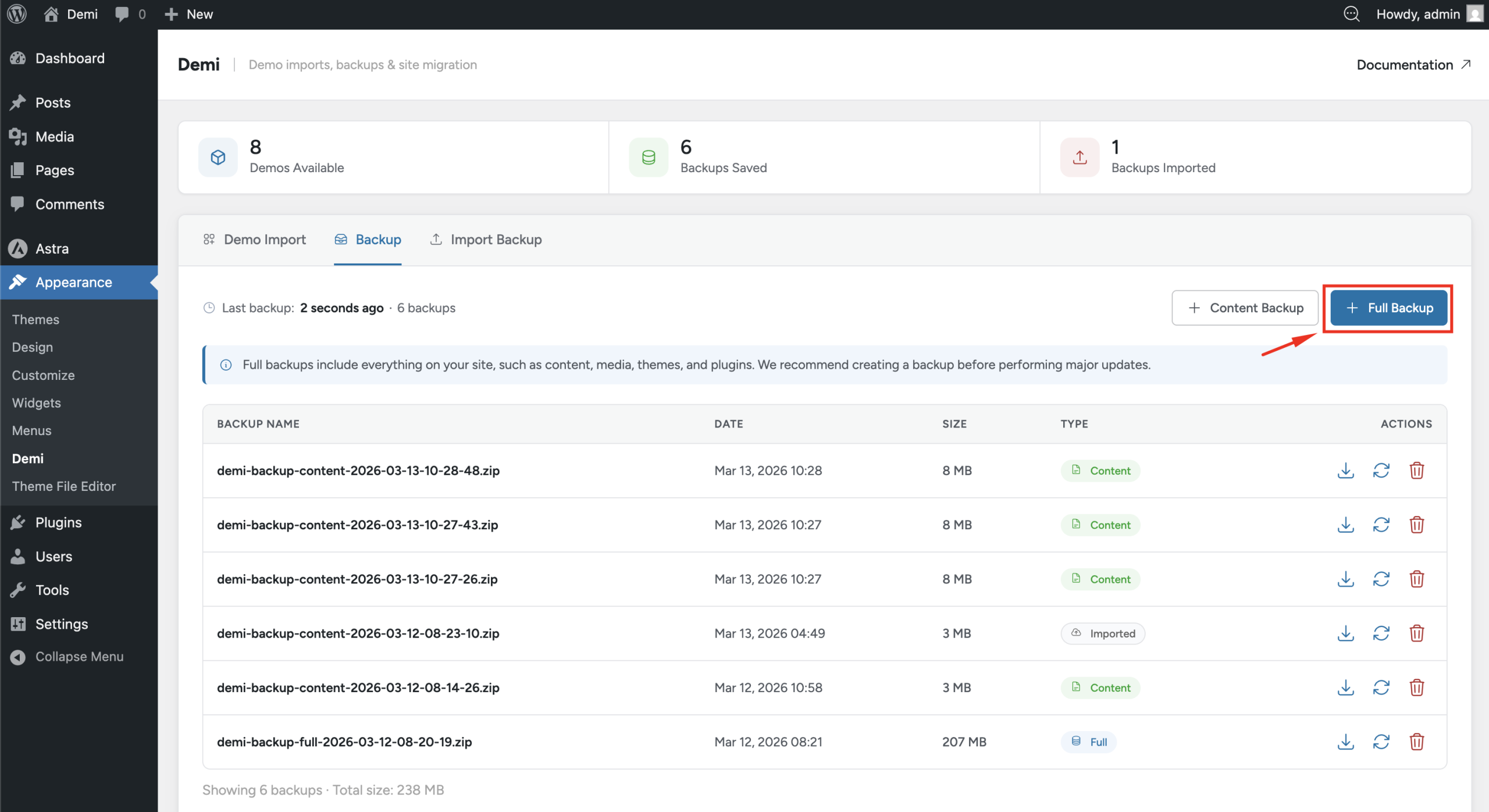
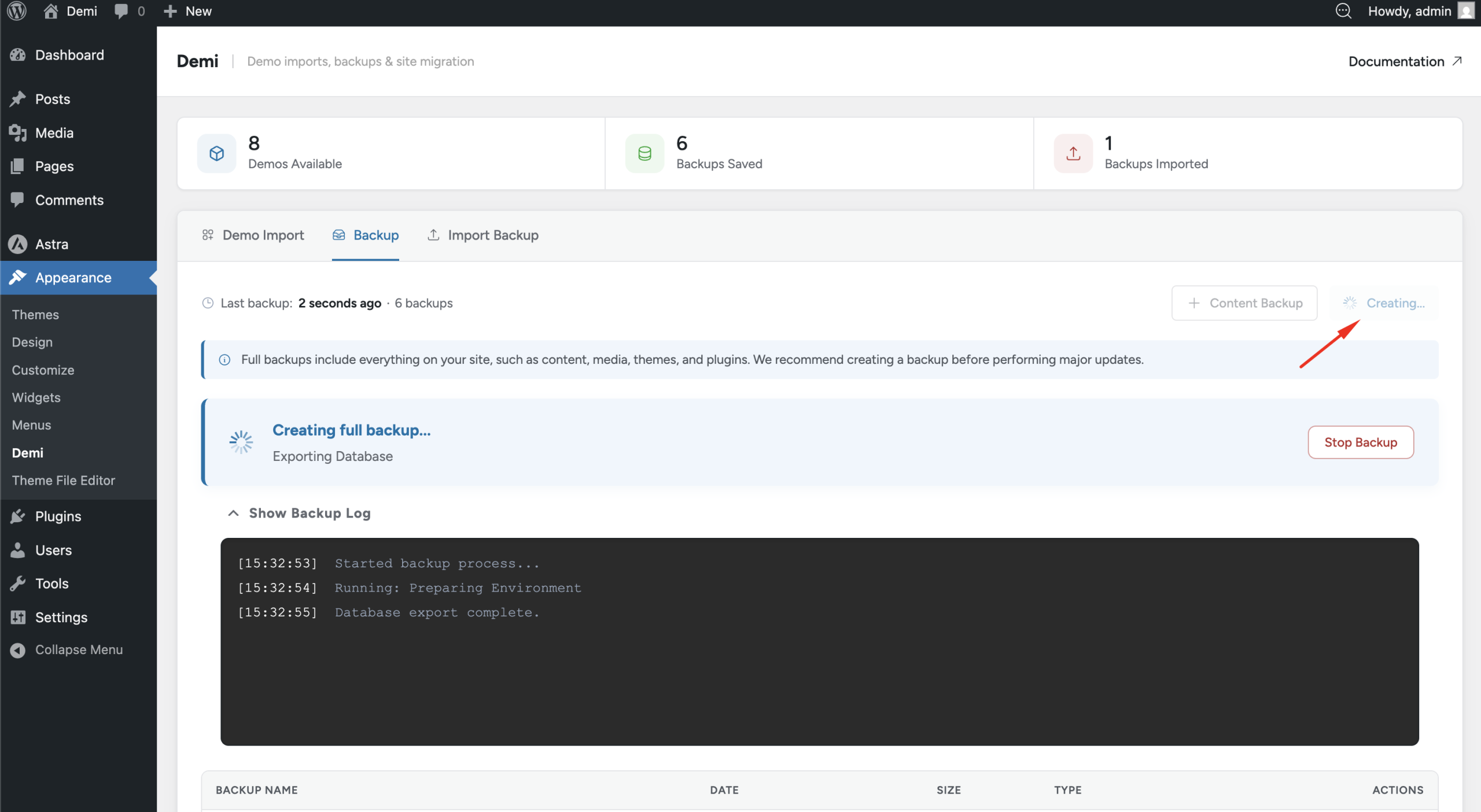
To create a full backup, go to Appearance → Demi and click the Create Full Backup button. The plugin will start generating the backup, and the time required will depend on the size of your website.
Managing Backups
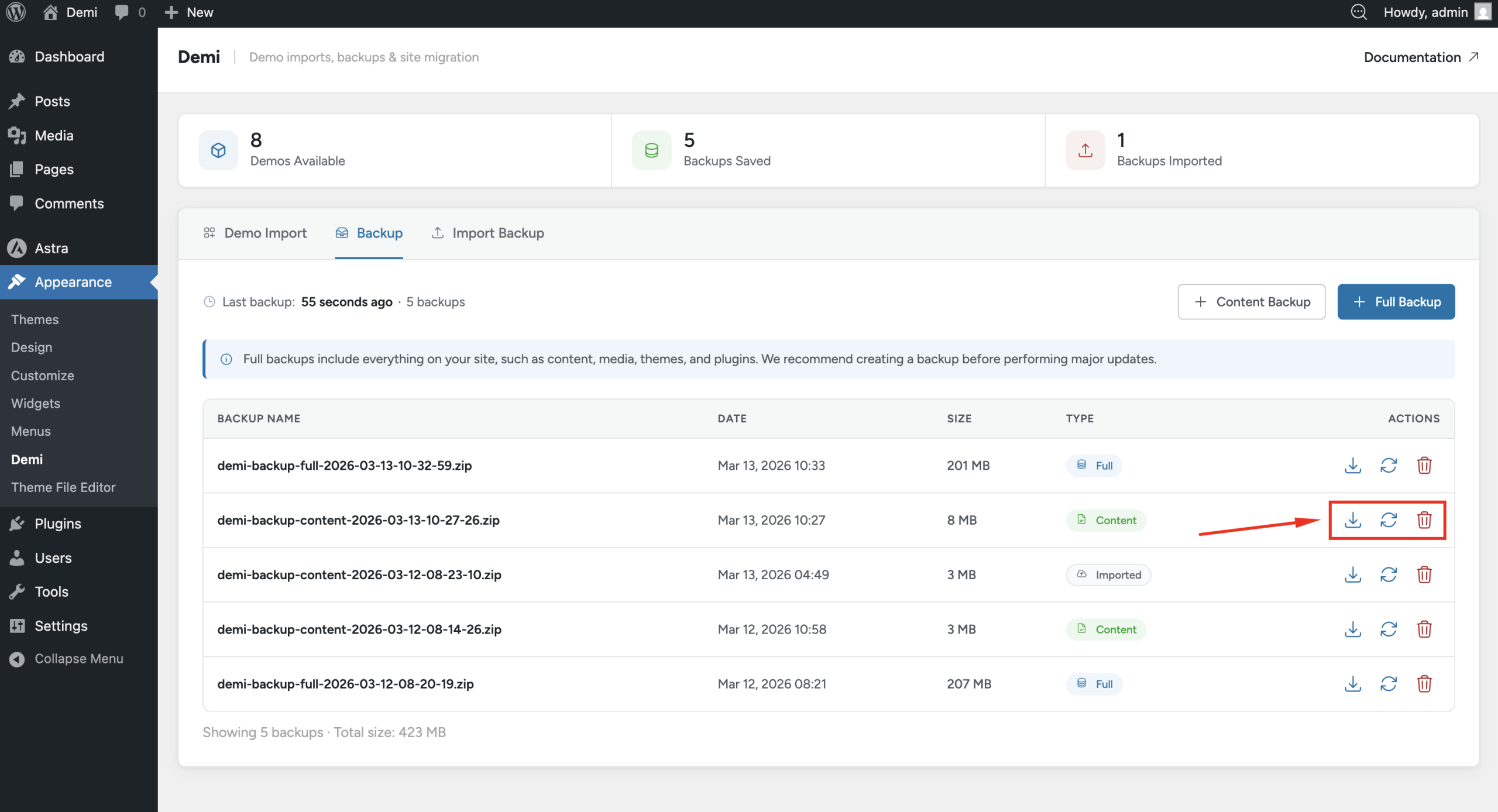
After a backup is created, it will appear in the backup list. From there you can manage your backups easily. You can download a backup to your computer, restore the backup to your website, or delete it if you no longer need it.
Restoring a Backup
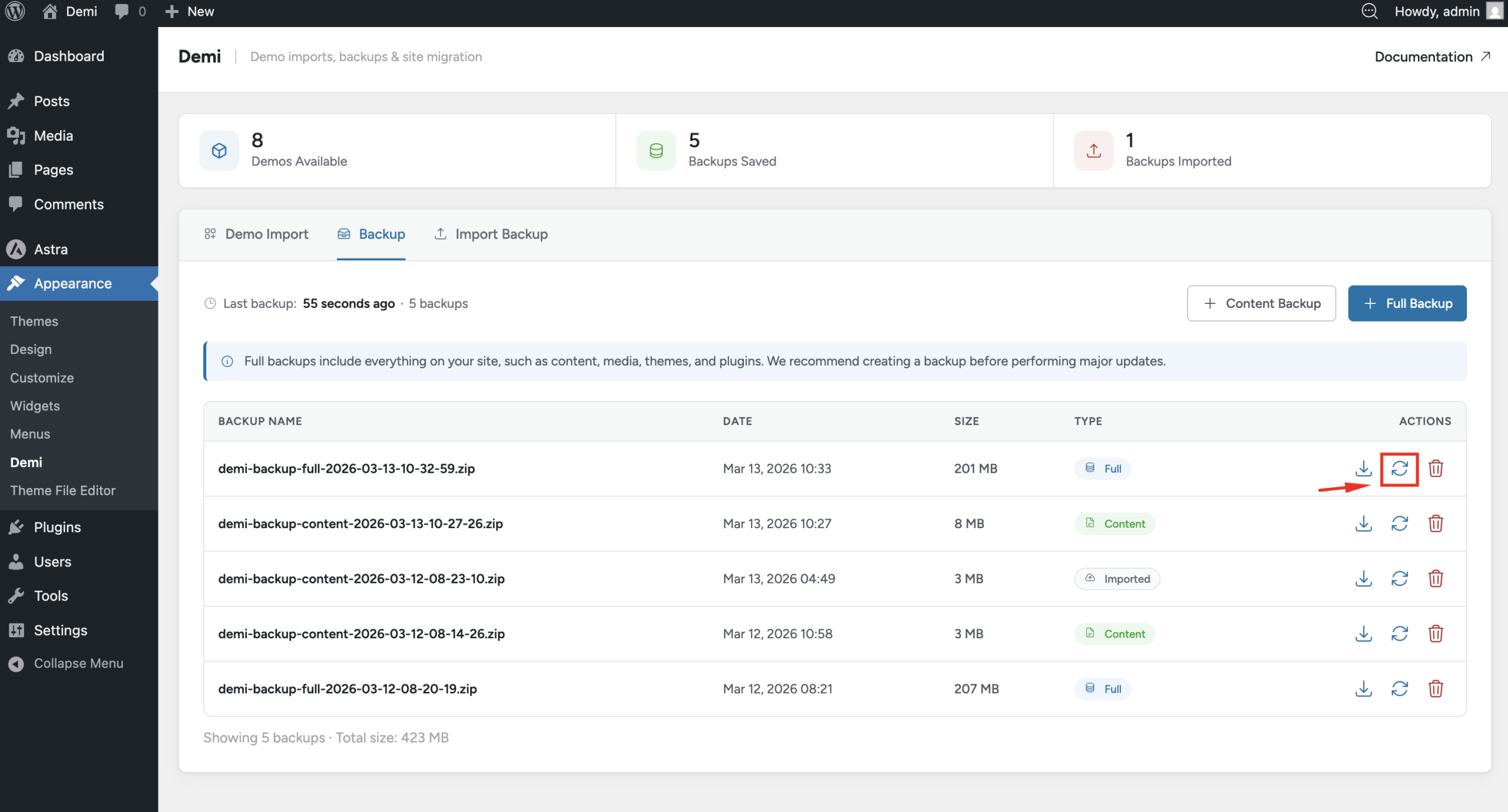
If you need to restore your website, simply go to Appearance → Demi, find the backup you want to use, and click the Restore button. Demi will restore the website using the selected backup.
Importing a Local Backup
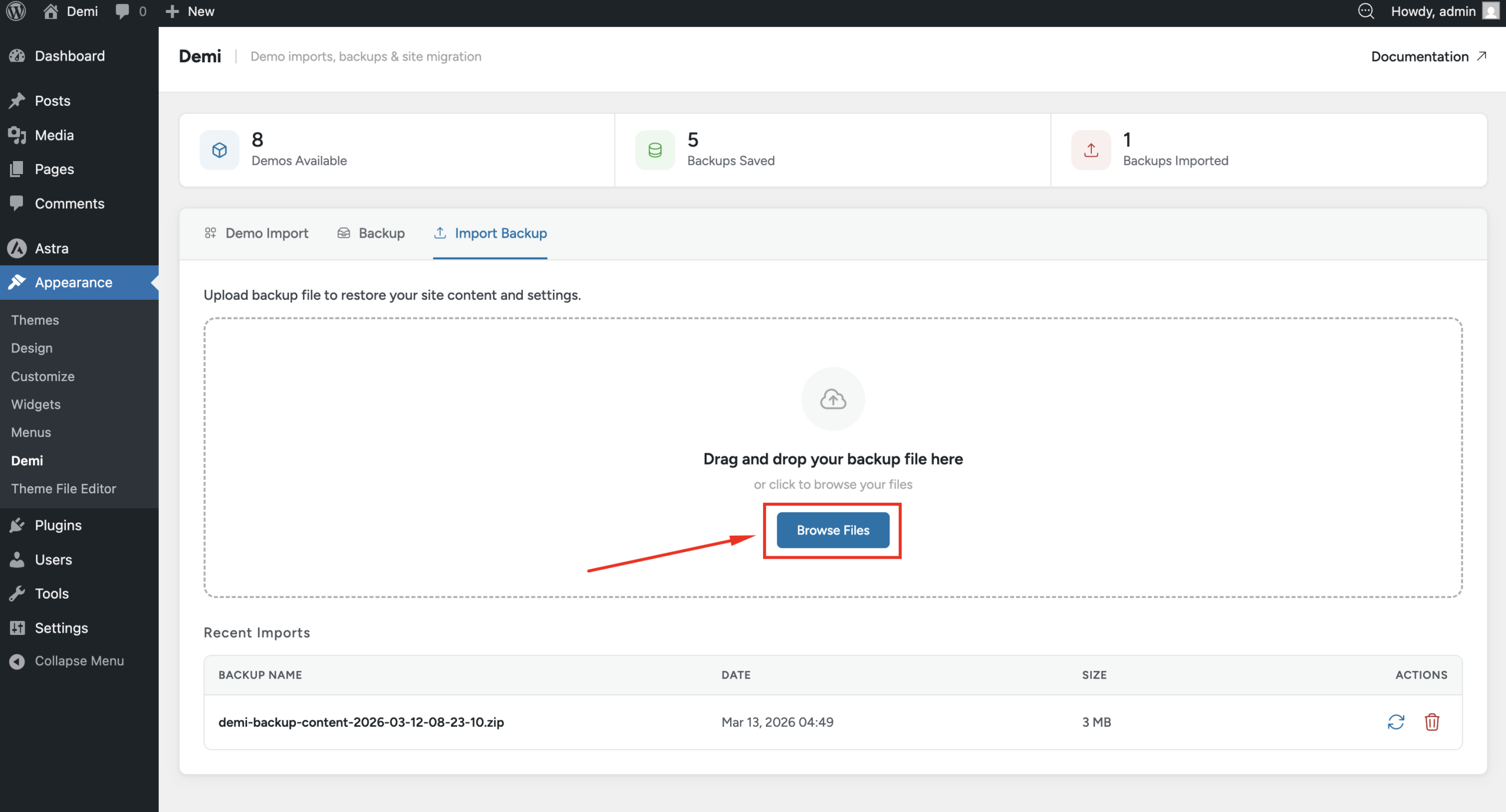
You can also restore a backup that you previously downloaded. Just upload the backup file in the backup section and start the restore process. This allows you to move backups between websites or restore a locally stored backup.
Which backup should you choose?
| Content backup | Full backup | |
|---|---|---|
| Includes | Posts, pages, media files, options and other settings | Database, themes, plugins, media files and all content |
| Best for | Keeping a copy of your content and settings | Restoring or moving the whole site exactly as it was |
| Use it before | Editing content or changing settings | Updates, migrations, site resets and big changes |
Good backup habits
- Back up before every change. Create a backup before updates, migrations and resets.
- Keep a copy off your server. Demi creates backups on demand and does not include scheduled backups or cloud storage, so download each important backup and store it somewhere safe.
- Keep more than one. You can keep multiple backups. Delete old ones you no longer need to save space.
- Test a restore. Restore a backup on a test site once so you know the process works before you need it.
Moving a site instead? See Site Migration. For a wider guide to backups, read how to back up a WordPress site.
Frequently asked questions
What is the difference between a content backup and a full backup in Demi?
A content backup stores your posts, pages, media files, options and other site settings. A full backup covers the entire site, including the database, themes and plugins, so you can restore the whole site as it was.
Does Demi create scheduled or automatic backups?
No. Demi creates backups when you click the button. Download your backups and keep a copy somewhere other than your web server.
Where does Demi store backups?
Backups appear in the backup list in your WordPress dashboard under Appearance → Demi. You can download them to your computer, restore them or delete them.
Can I restore a backup on a different website?
Yes. Upload a backup you downloaded earlier on the Import Backup page and start the restore. This lets you move backups between websites.
Should I create a backup before I update a plugin or theme?
Yes. A backup lets you return to the last working version if an update breaks something.
Is Demi’s backup free?
Yes. Demi is a free WordPress plugin and needs no account.