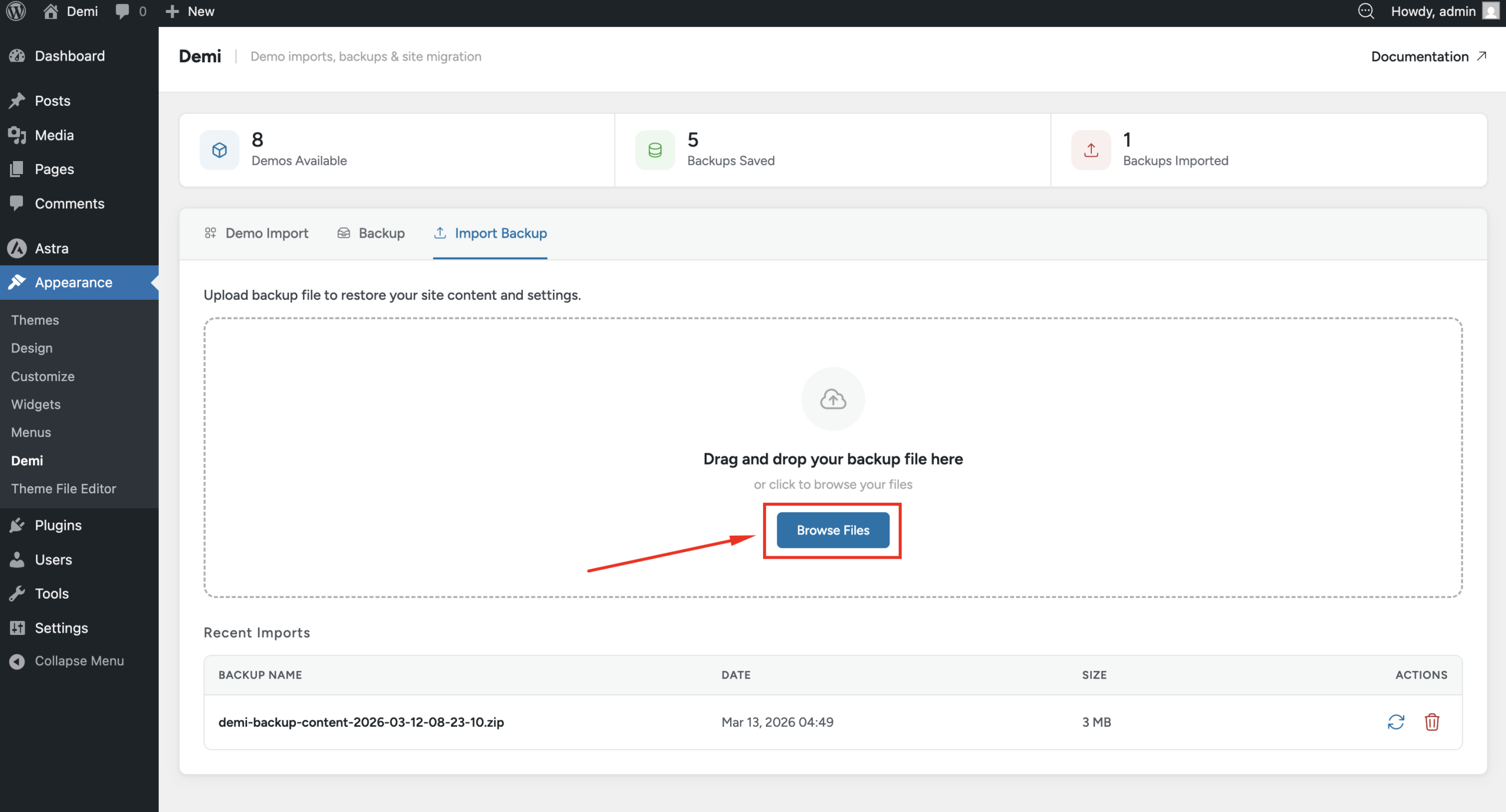
The Backup & Restore feature in Demi WordPress Plugin helps you keep your website safe by allowing you to create backups and restore them whenever needed.
Backups are useful if something goes wrong with your website, such as a failed update, configuration change, or server issue. With Demi, you can easily create backups and manage them directly from your WordPress dashboard.
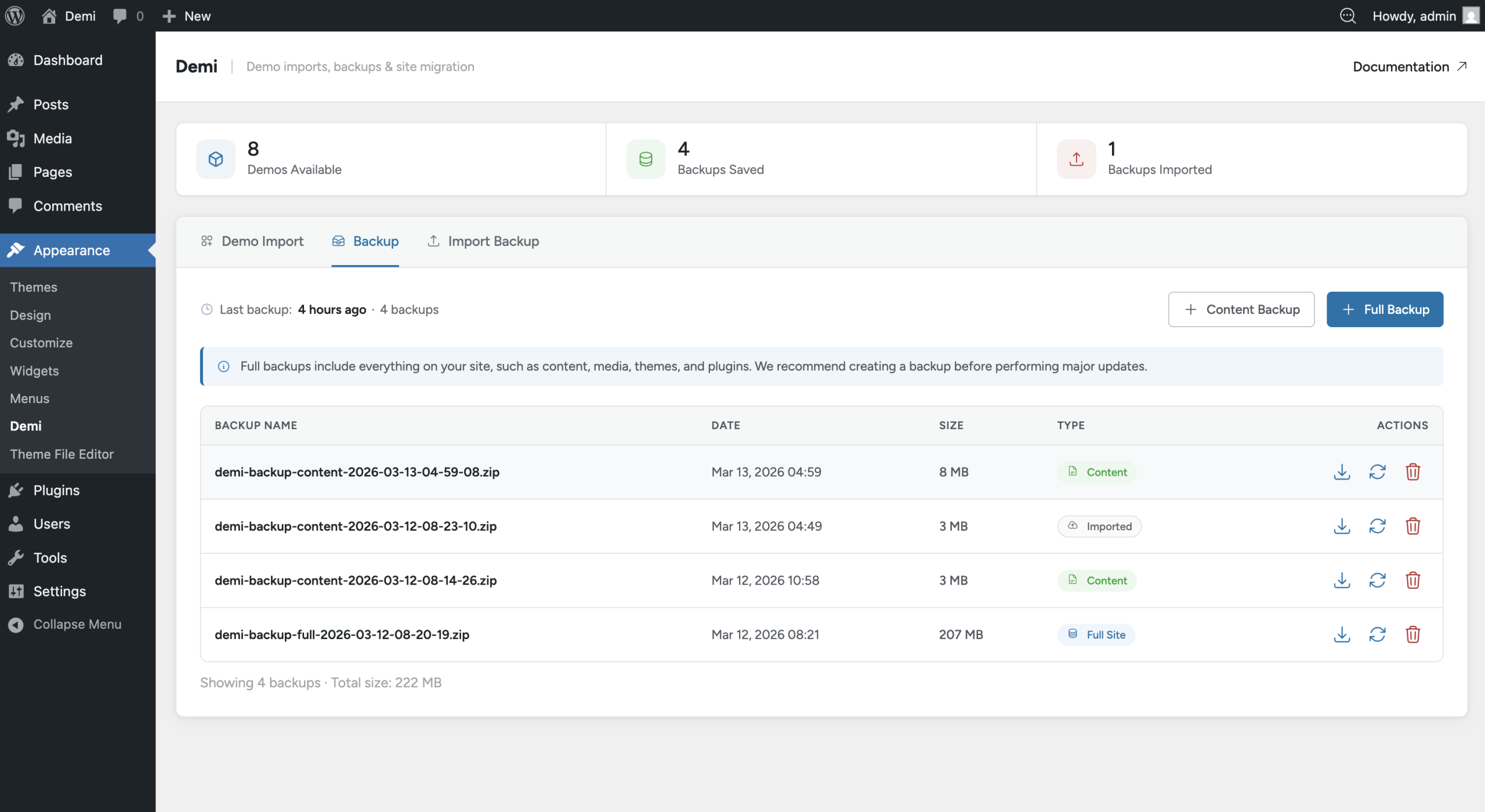
Demi supports two types of backups: Content Backup and Full Backup.
Content Backup
A Content Backup includes the main content and settings of your website. This type of backup stores your posts, pages, media files, options, and other site settings. It is useful when you want to keep a copy of your website content without backing up the entire site files.
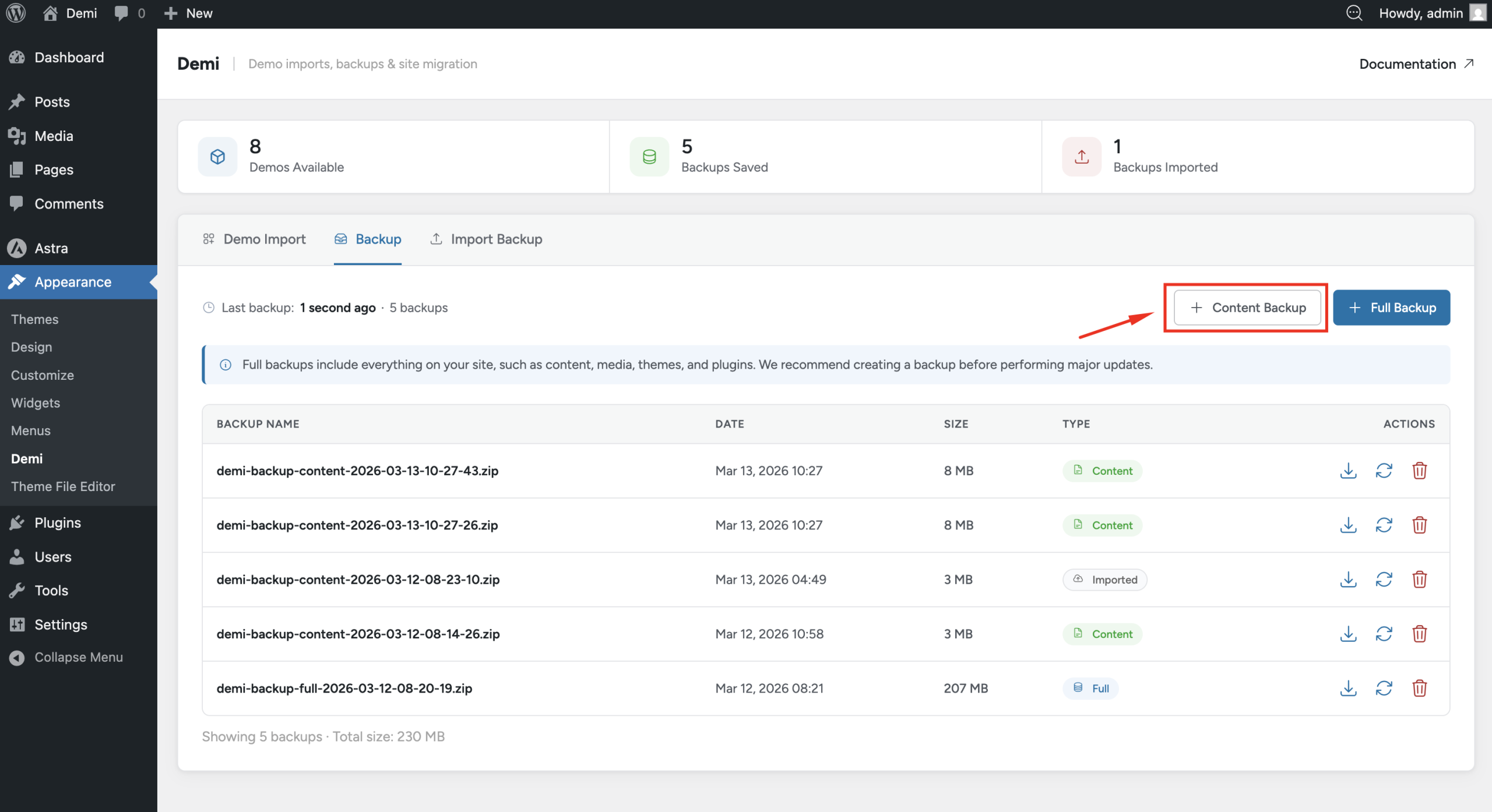
To create a content backup, go to Appearance → Demi and click the Create Content Backup button. Demi will generate the backup automatically.
Full Site Backup
A Full Backup creates a complete backup of your website. This includes the database, themes, plugins, media files, and all website content. This type of backup allows you to restore your entire website exactly as it was.
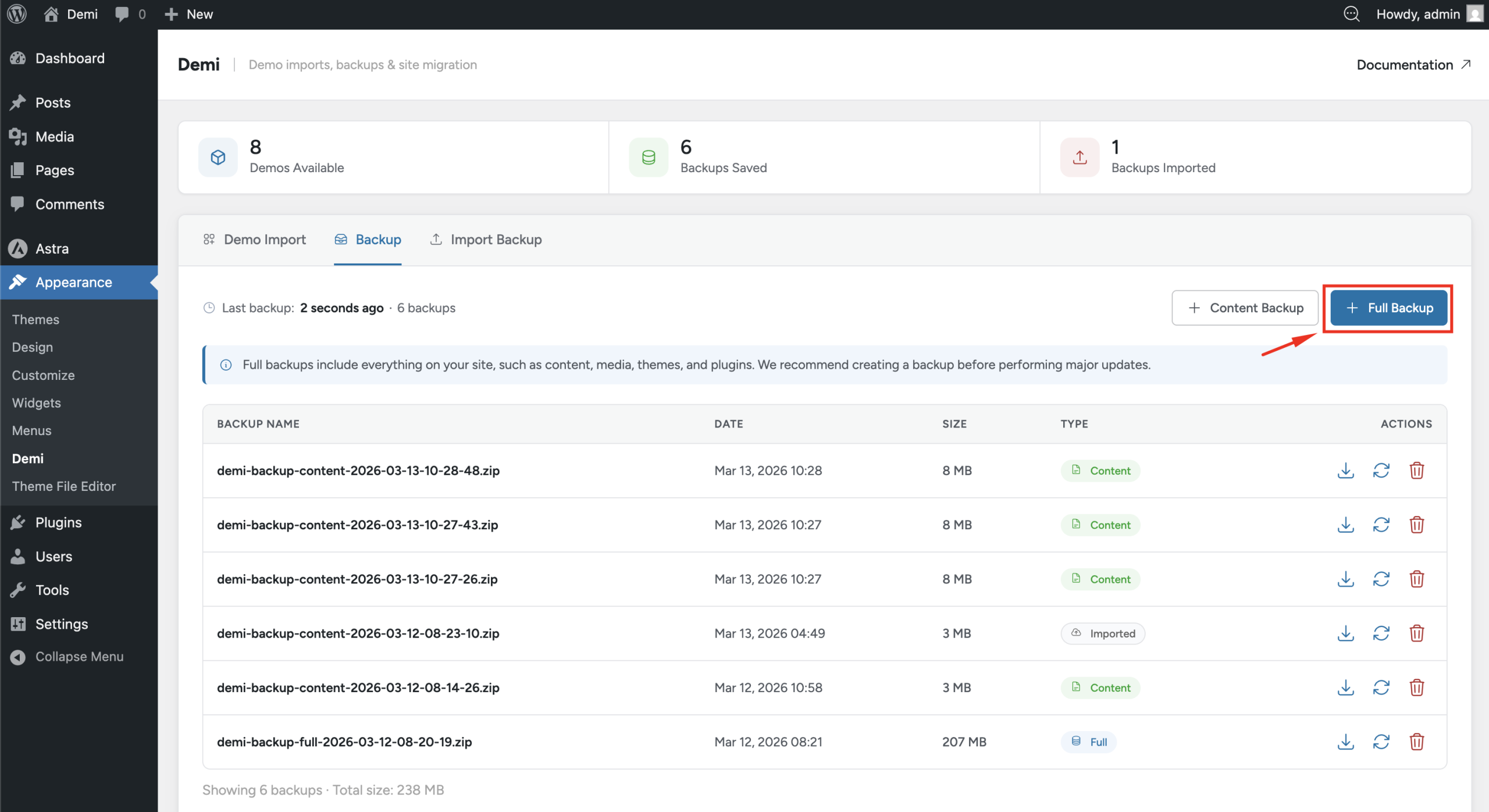
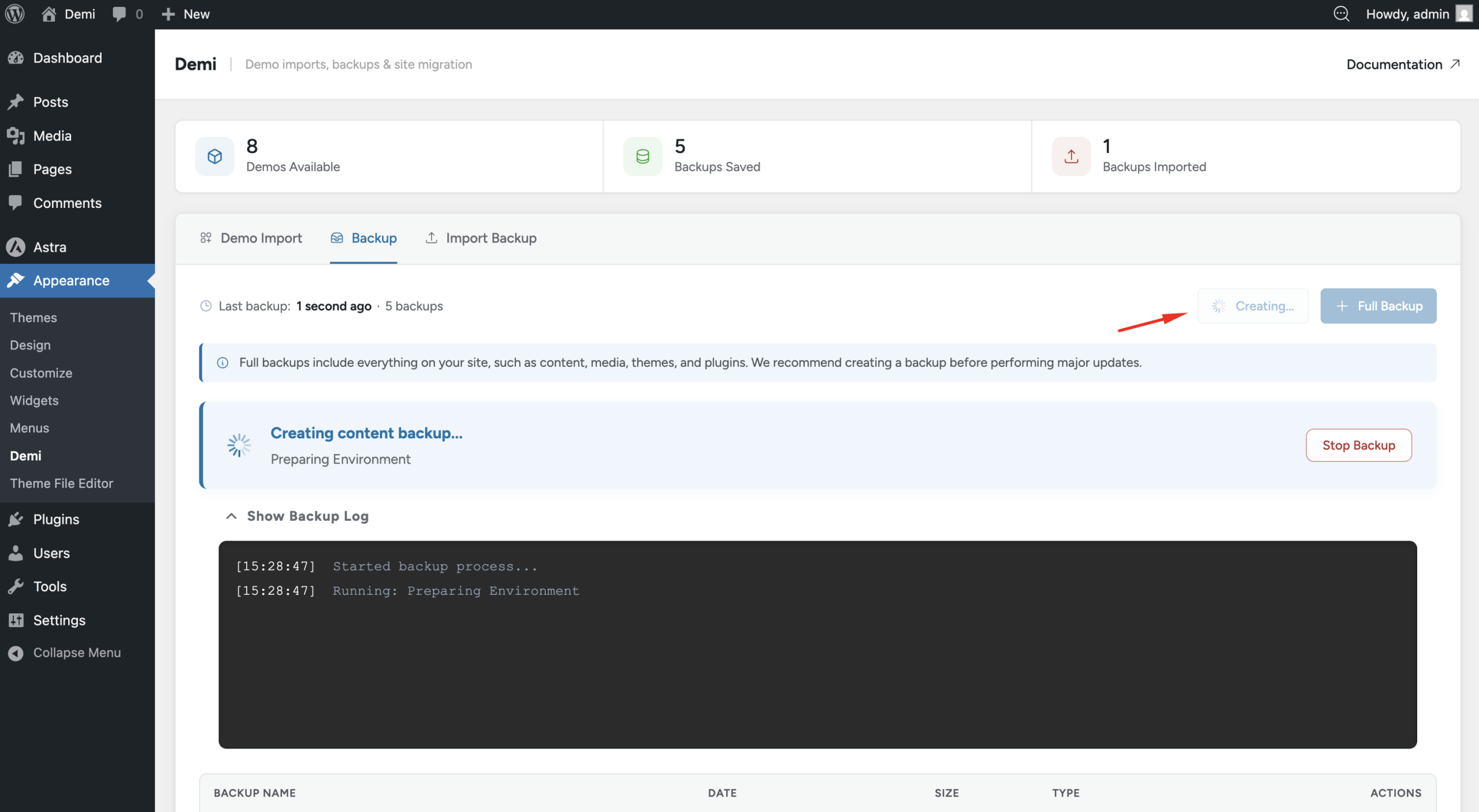
To create a full backup, go to Appearance → Demi and click the Create Full Backup button. The plugin will start generating the backup, and the time required will depend on the size of your website.
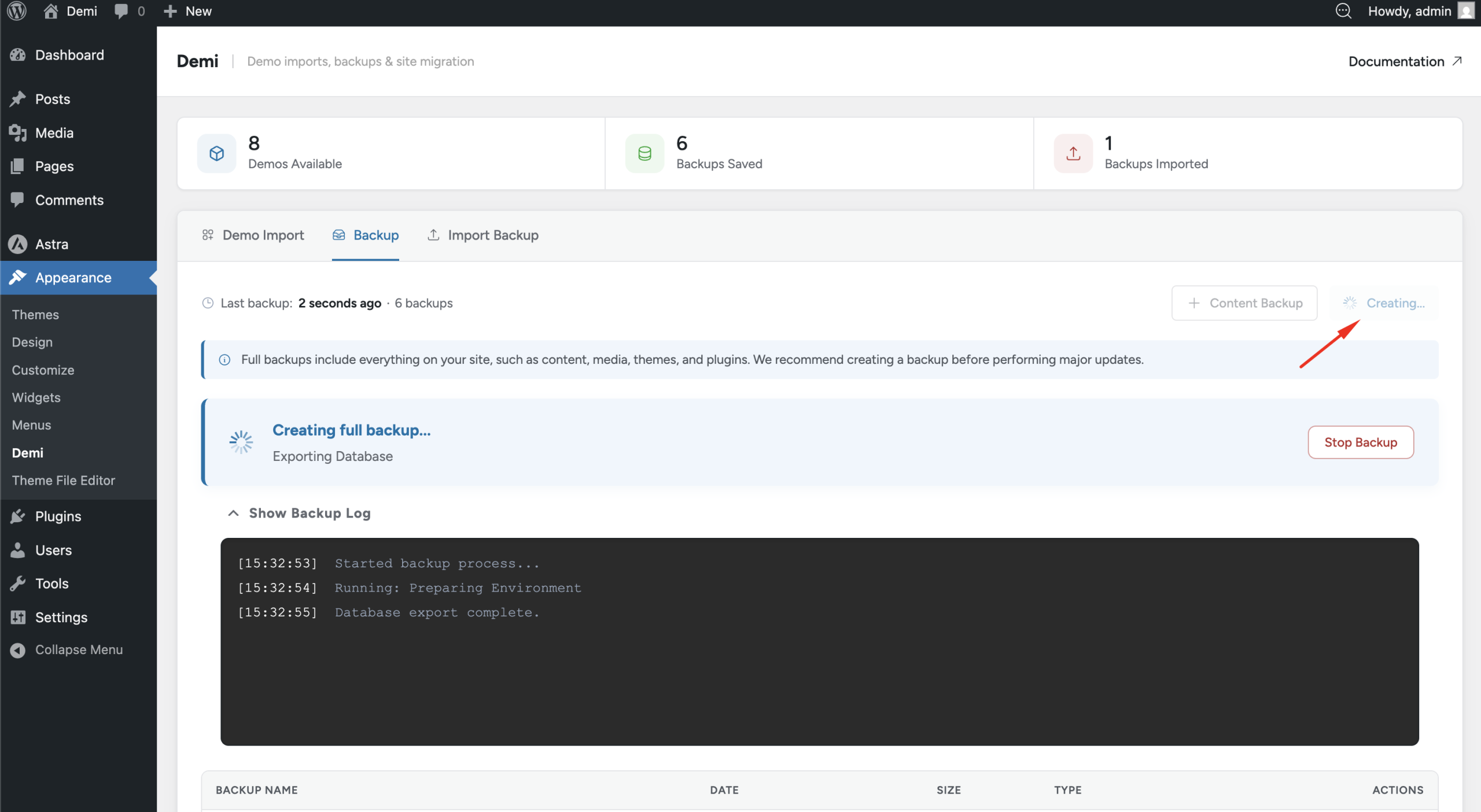
Managing Backups
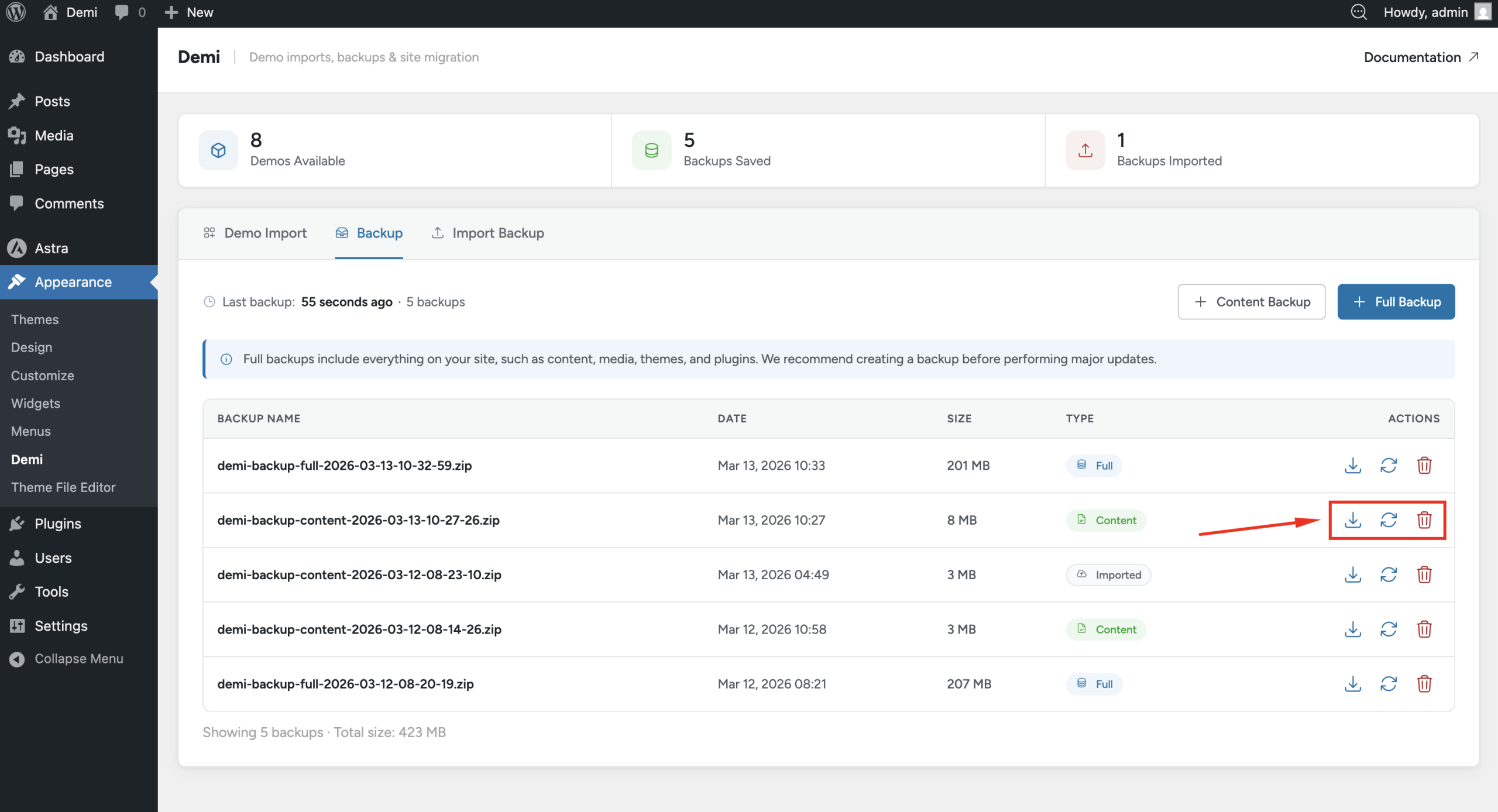
After a backup is created, it will appear in the backup list. From there you can manage your backups easily. You can download a backup to your computer, restore the backup to your website, or delete it if you no longer need it.
Restoring a Backup
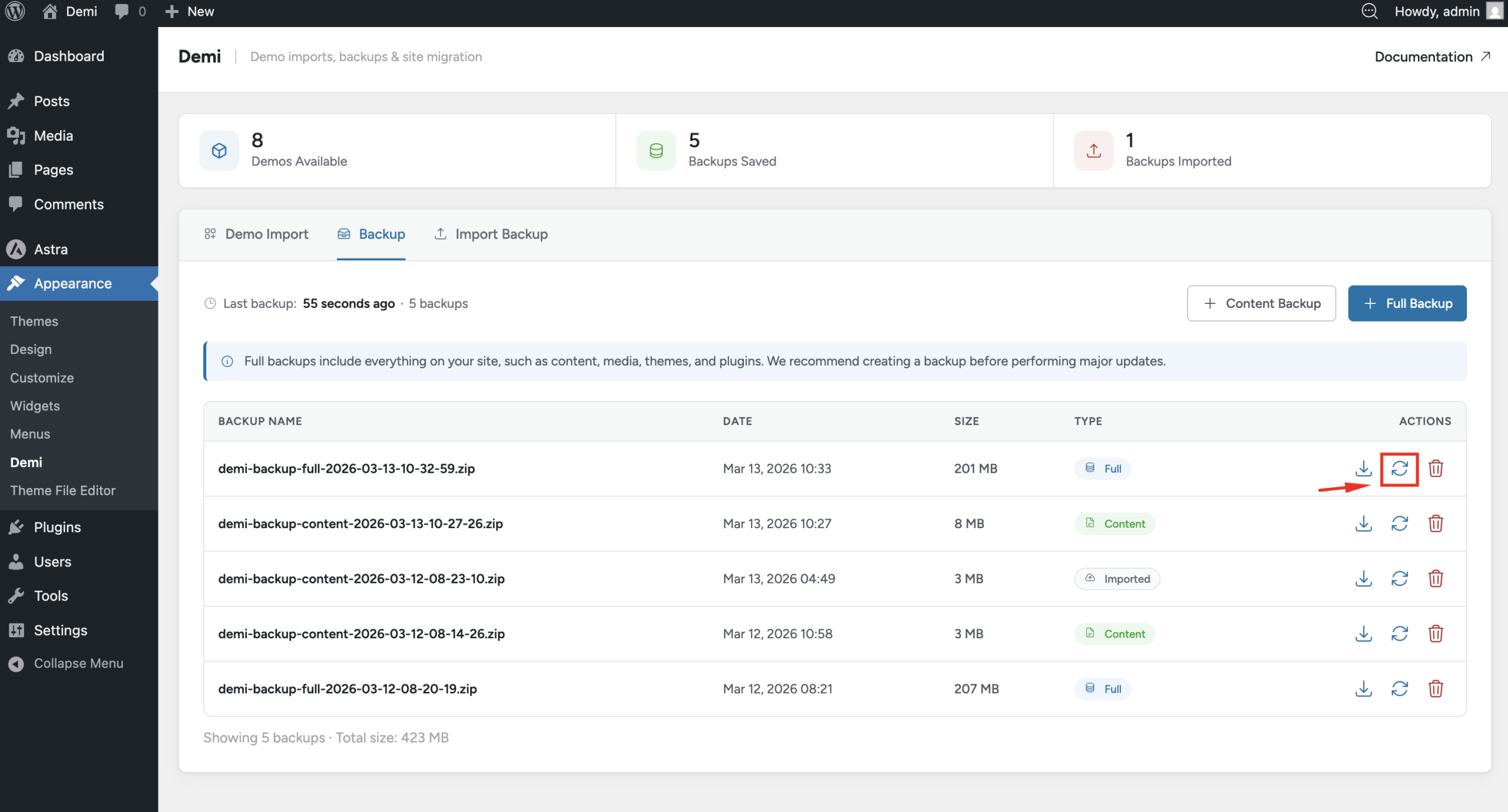
If you need to restore your website, simply go to Appearance → Demi, find the backup you want to use, and click the Restore button. Demi will restore the website using the selected backup.
Importing a Local Backup
You can also restore a backup that you previously downloaded. Just upload the backup file in the backup section and start the restore process. This allows you to move backups between websites or restore a locally stored backup.