
Installing Demi WordPress Plugin is simple and only takes a few minutes. Once installed, you can start using its features for one-click demo import, WordPress site backup, and site migration.
This guide explains two ways to install Demi on your WordPress website:
- Installing from the WordPress Plugin Library
- Installing by Uploading the Plugin ZIP File
Before using Demi, ensure your website meets the required system specifications, including WordPress version 6.0 or higher and PHP version 8.0 or higher.
Install from the WordPress Plugin Library
This is the easiest method if the plugin is available in the official WordPress plugin repository.
Step 1: Log in to WordPress Admin
Go to your WordPress admin dashboard.
Step 2: Navigate to Plugins
From the left menu, go to:
Plugins → Add New
Step 3: Search for the Plugin
In the search bar, type: Demi
Locate Demi in the search results.
Step 4: Install the Plugin
Click the Install Now button next to the plugin.
WordPress will automatically download and install it.
Step 5: Activate the Plugin
Once the installation is complete:
Click Activate
After activation, Demi will be available in your dashboard.
Navigate to: Appearance → Demi
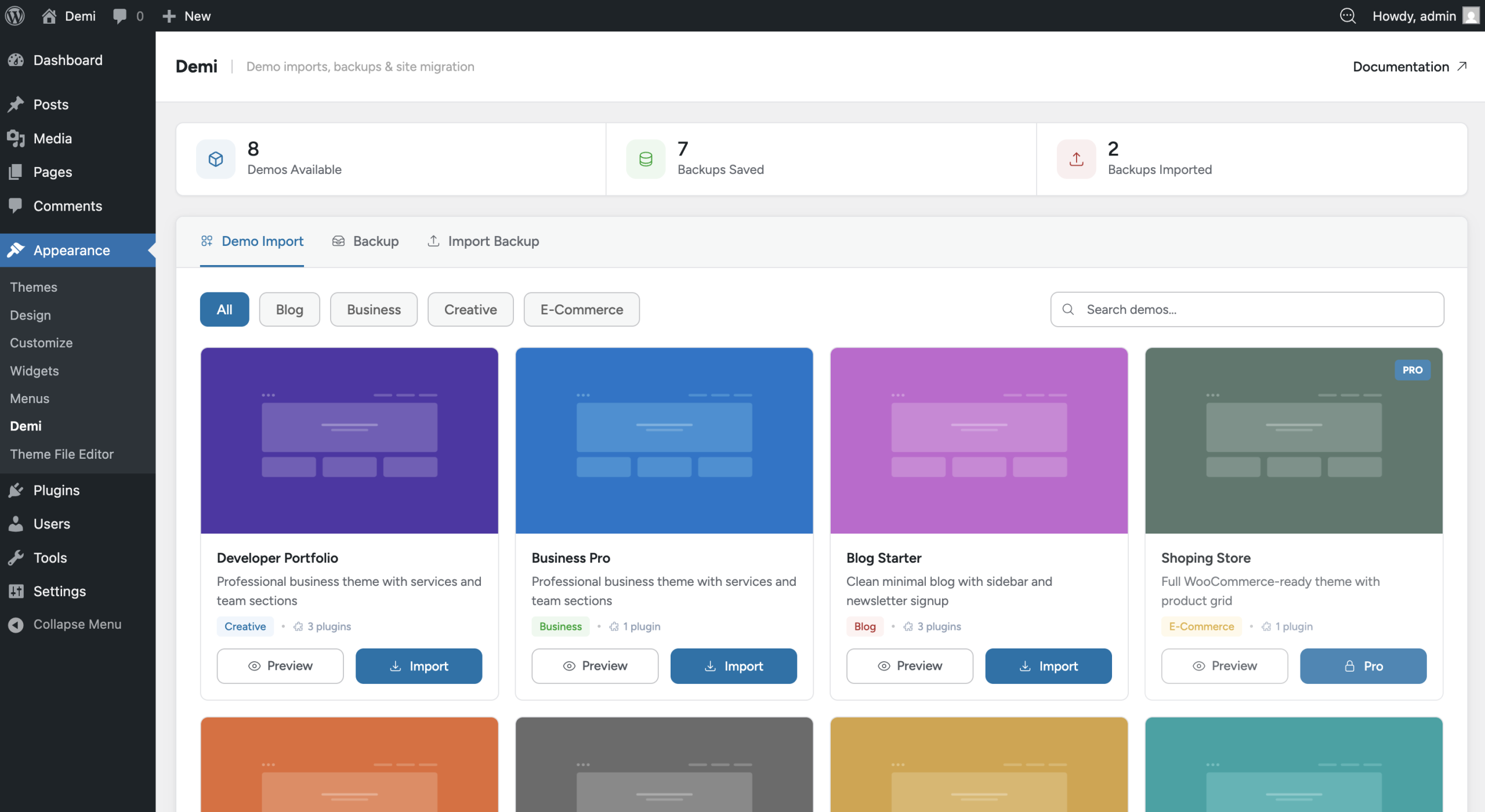
Install by Uploading the Plugin
If you downloaded the plugin manually , you can install it by uploading the plugin ZIP file.
Step 1: Download the Plugin
Download the demi.zip plugin file to your computer.
Step 2: Open the Plugin Upload Page
Log in to your WordPress dashboard and go to:
Plugins → Add New
Then click the Upload Plugin button at the top of the page.
Step 3: Upload the Plugin File
- Click Choose File
- Select the demi.zip file
- Click Install Now
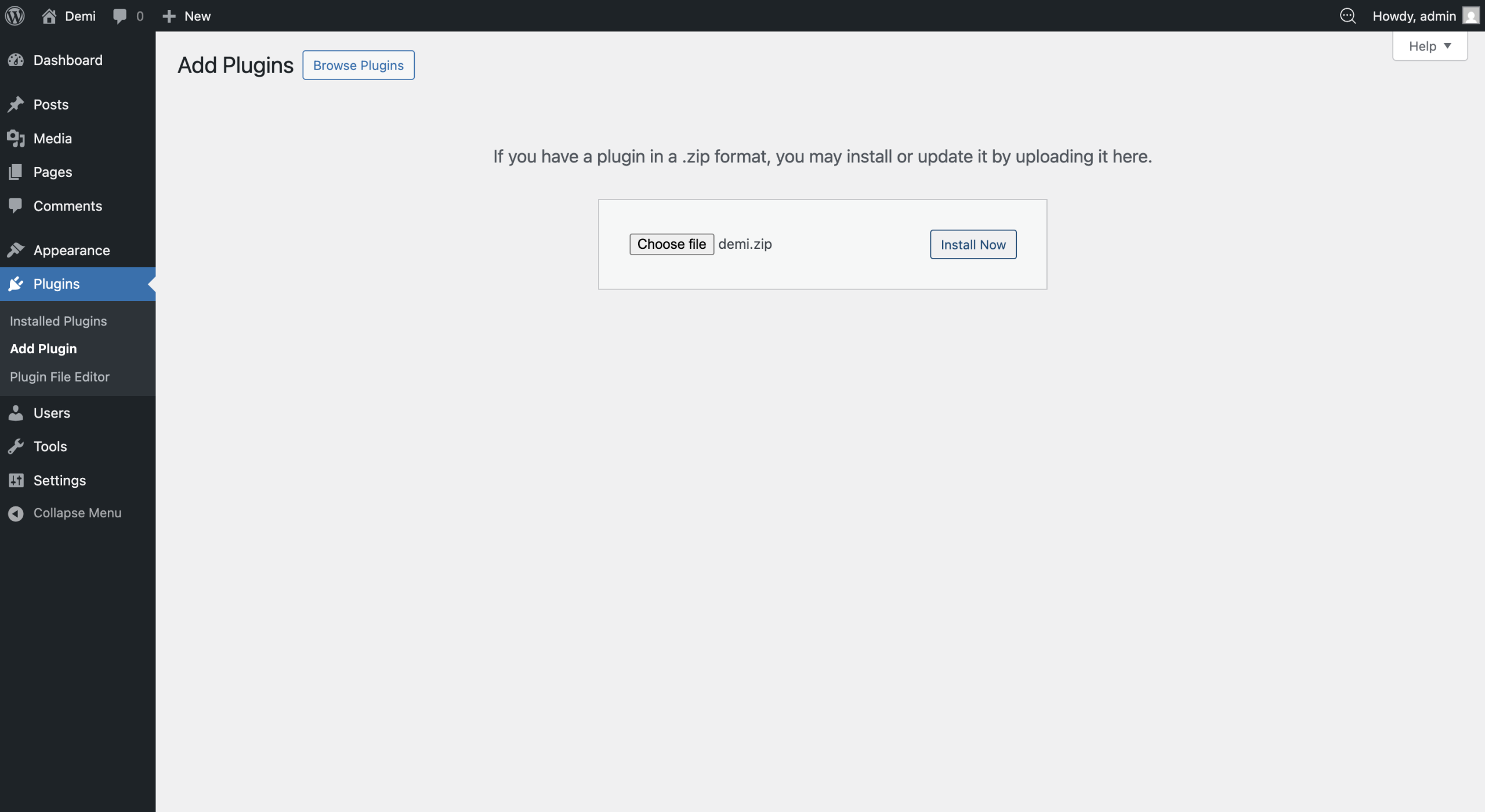
WordPress will upload and install the plugin automatically.
Step 4: Activate the Plugin
After installation is complete:
Click Activate Plugin
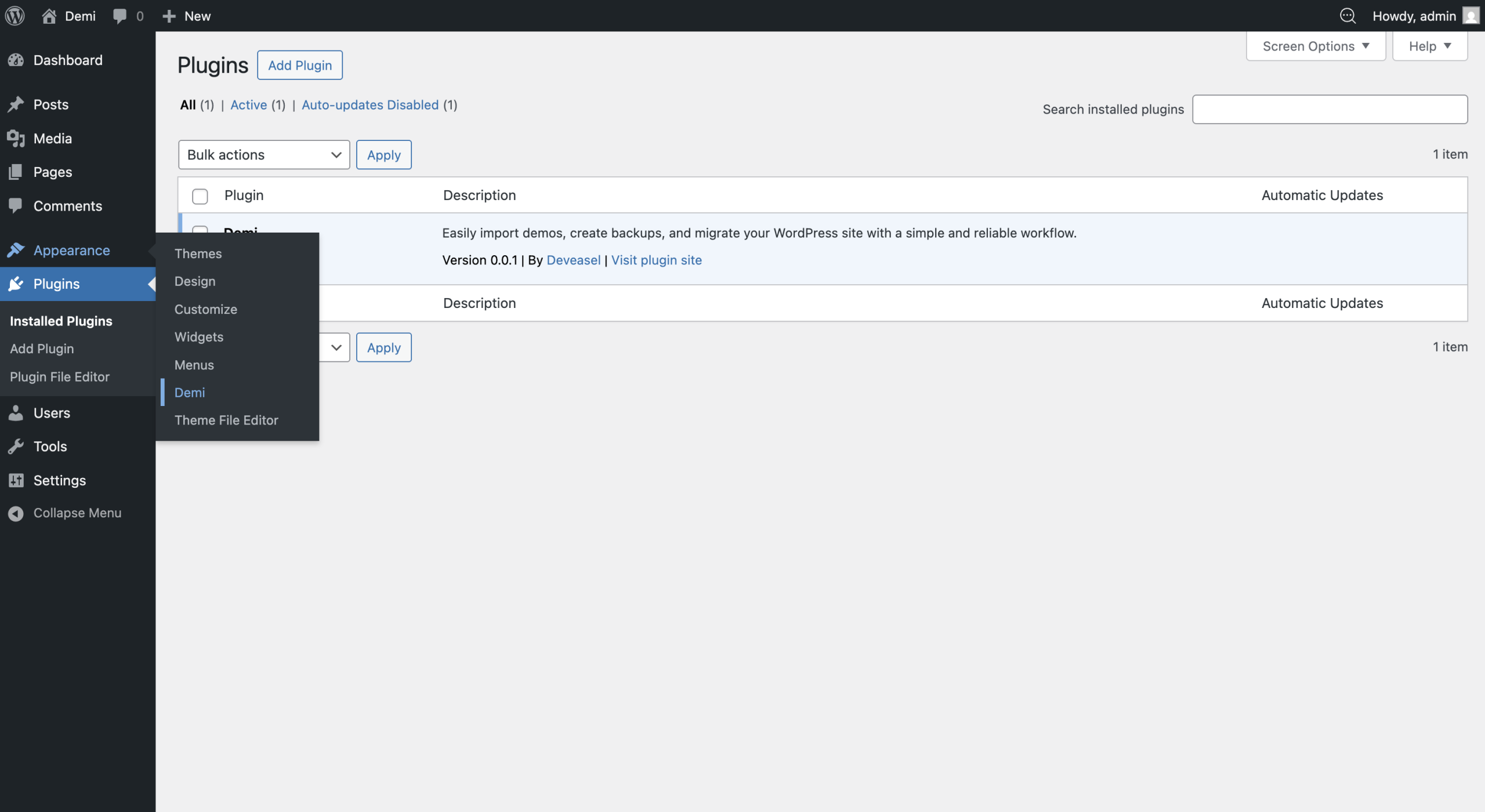
Once activated, the plugin will be ready to use.
After activation, you can access the plugin from your WordPress dashboard.
Navigate to: Appearance → Demi
Here you can start using features like one-click demo import, WordPress site backup, and WordPress site migration.