
The Demi WordPress Plugin user guide provides a complete overview of how to manage your WordPress website efficiently using the plugin. Demi is designed to simplify essential site management tasks for both beginners and experienced WordPress users. It focuses on three main areas: importing demos to quickly set up new websites, creating and restoring backups to protect your data, and migrating WordPress sites to a new domain or hosting provider with ease.
Each of these tasks will be explained in detail in separate, dedicated articles so you can fully understand how to use the plugin’s features step by step. This approach ensures you can get the most out of Demi without confusion, while streamlining your workflow and keeping your website secure, organized, and ready for growth.
What You Can Do with Demi
With Demi, you can manage your website in a few simple steps. Here’s a quick overview:
1. Importing Demos
Demi allows you to import theme demo content in one click. This feature is especially useful for theme developers who want their customers to set up fully designed websites quickly.
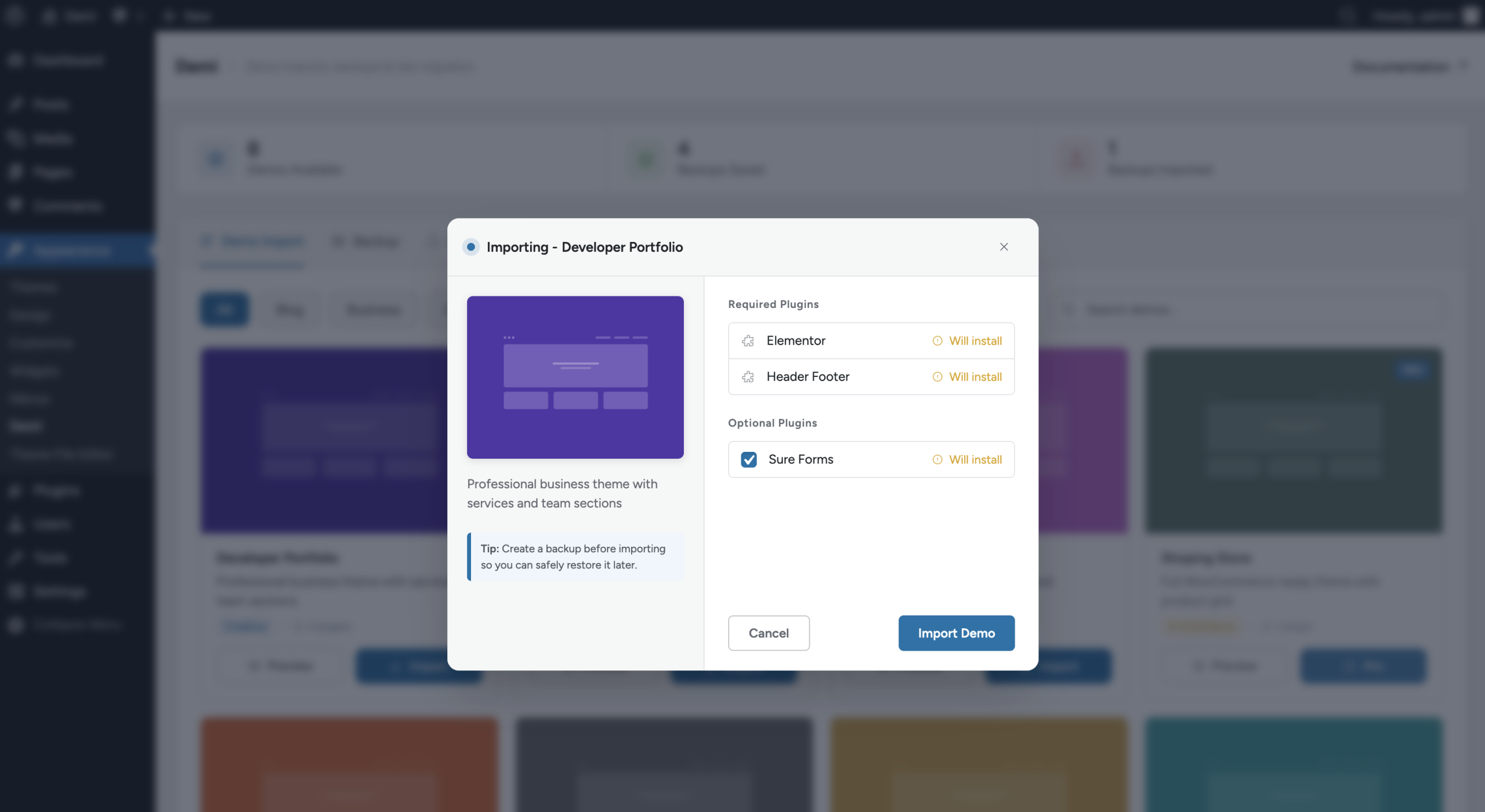
Note: Detailed instructions for importing demos are covered in the “One-Click Demo Import Guide” article.
2. Creating Backups & Restoring Websites
Keep your website safe by creating complete backups of your WordPress files and database. You can also restore backups easily whenever needed.
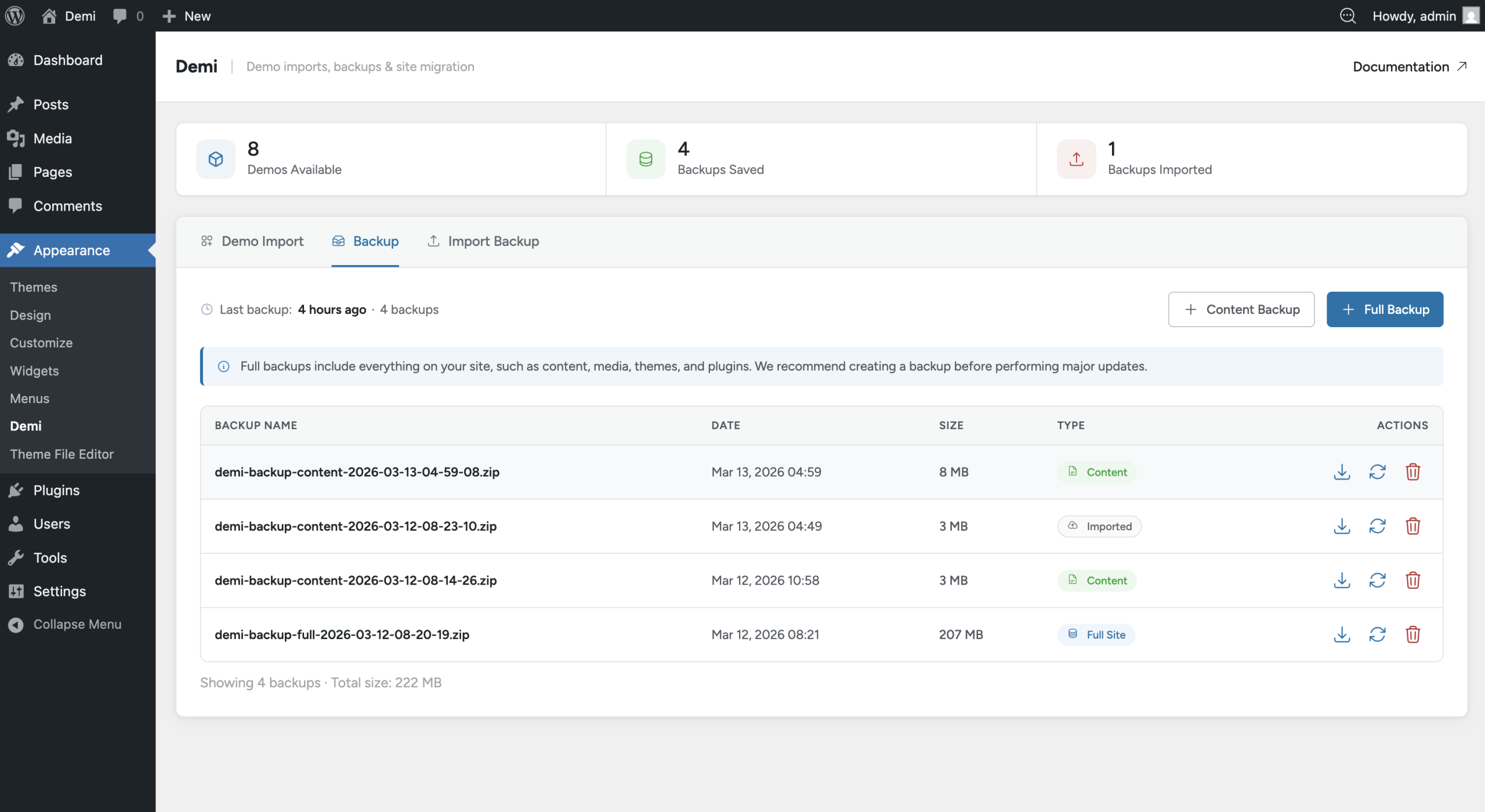
Note: Step-by-step instructions for creating and restoring backups are explained in the “Backup & Restore Guide” article.
3. Migrating WordPress Websites
Easily migrate your WordPress site to a new domain, server, or hosting provider without losing any content or settings.
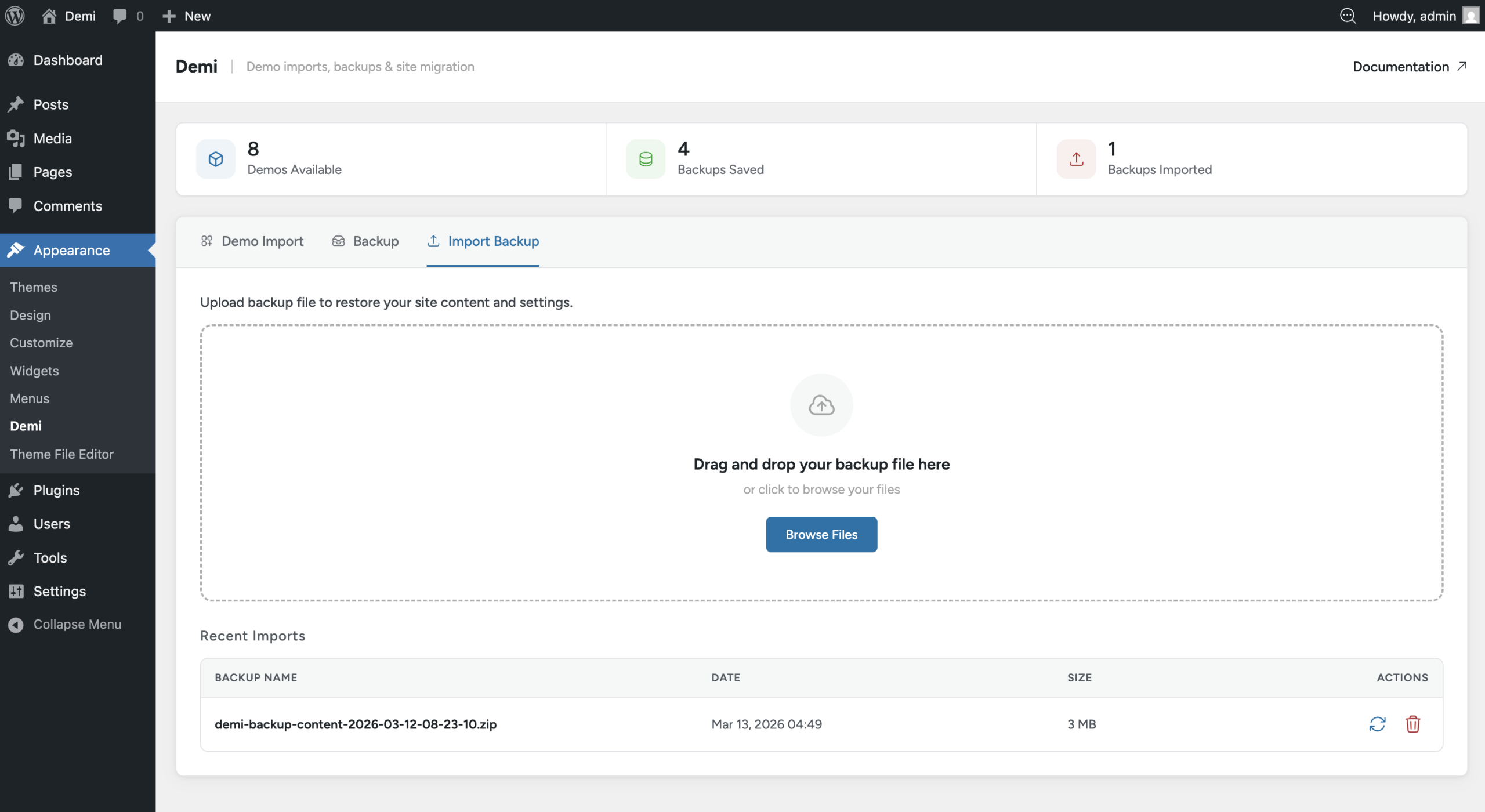
Note: Detailed migration instructions are provided in the “Site Migration” article.
How the User Guide is Structured
To make it easier to follow, the Demi user guide is divided into separate articles, each covering one feature in detail:
- One-Click Demo Import Guide – Learn how to import demo websites easily.
- WordPress Backup & Restore Guide – Create, manage, and restore backups.
- WordPress Site Migration Guide – Move your website safely to a new server or domain.
This structure ensures that users can find step-by-step instructions for each feature without getting overwhelmed by too much information in one place.