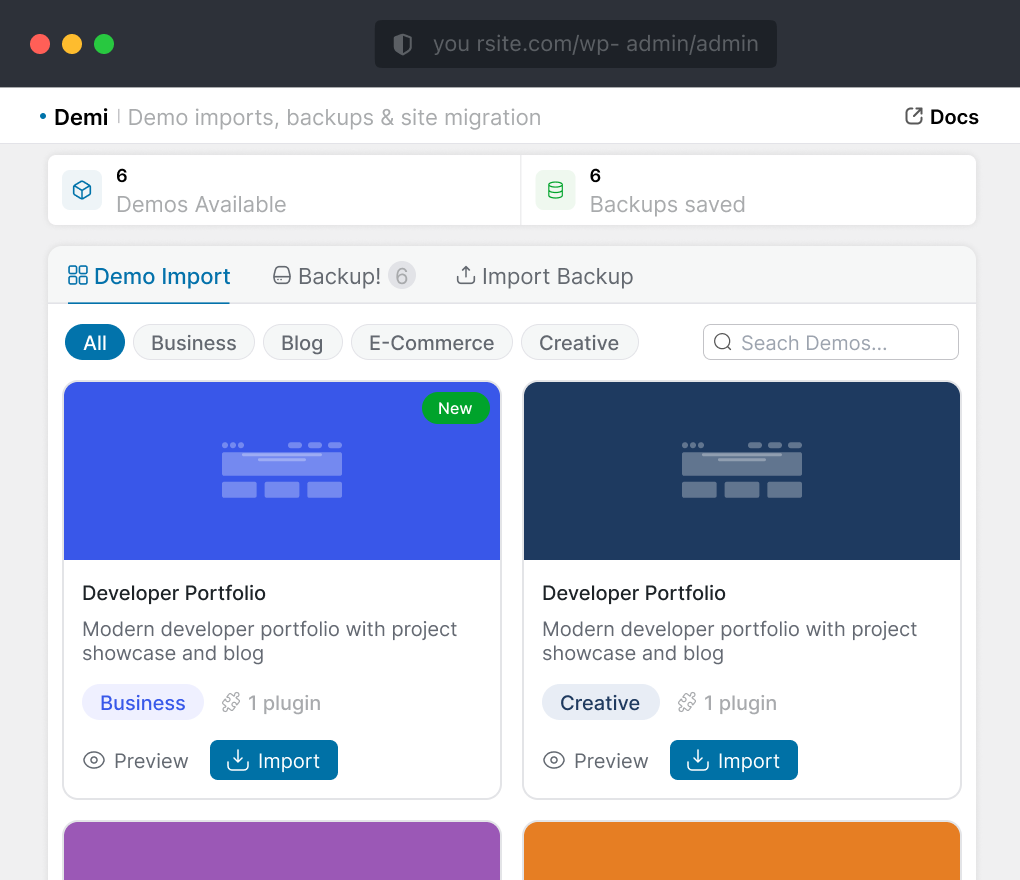
Many WordPress users install one plugin for backups, another for migration, and another demo importer when they need starter content. That creates extra plugin management, extra learning time, and more confusion for clients. Demi keeps backup, restore, WordPress website migration, and One Click Demo Import in the same dashboard.
Demi combines backup, restore, migration, and demo import in one free dashboard – no extra tools, account, or cloud sandbox.
Feature / Workflow
Core Positioning
Primary focus
Runs inside WordPress
Account needed
Backup & Migration
Website backup
Restore workflow
WordPress website migration
Site cloning
Demo Import
One Click Demo Import
Demo importer for theme devs
Accessibility & Fit
Core features free
Large site support
Beginner friendly
Remote / cloud storage angle
Data control
Works with any theme
Best Fit
Best fit
UpdraftPlus
Core Positioning
Backup focused
Core Positioning
Yes, free
Yes, free
Paid add-on
Not main focus
Core Positioning
Core Positioning
Limited
Backup-focused, storage-dependent
Good for backups
Strong storage ecosystem
Depends on storage setup
Core Positioning
Users who mainly need scheduled backups
Demi
Core Positioning
Backup + migration + demo import
Core Positioning
Yes, free
Yes, free
Yes, free
Core Positioning
Core Positioning
Optimized, no artificial cap
Yes, no-code dashboard
Standard plugin workflow
Data stays on your host
Core Positioning
Site owners, agencies, freelancers and theme demos
All-in-One WP Migration
Core Positioning
Migration focused
Core Positioning
Limited
Limited
Yes, free
Export / import flow
Core Positioning
Core Positioning
Limited
Free version size limit
Simple migration flow
Extension-based add-ons
Site export / import workflow
Core Positioning
Users who mainly need simple migrations
Duplicator
Core Positioning
Cloning + packaging
Core Positioning
Core Positioning
Core Positioning
Limited
Can feel technical on large sites
More technical setup
Plan-dependent storage
Site package workflow
Core Positioning
Users who mainly need simple migrations
WPvivid
Core Positioning
Backup + migration
Core Positioning
Yes, free
Yes, free
Core Positioning
Core Positioning
Limited
Optimized, varies by setup
Good
Available
Site backup workflow
Core Positioning
Users needing backup + migration
InstaWP
Core Positioning
Cloud sandbox / staging
Cloud platform workflow
Core Positioning
Limited / platform based
Yes, free
Cloud environment flow
Core Positioning
Core Positioning
Cloud dependent
Account and platform setup
Cloud platform based
Cloud based
Core Positioning
Users needing quick disposable test sites
Why one dashboard
What This Means for Different Users
Demi combines backup, migration, and demo import in one tool, reducing the hassle of managing multiple plugins.
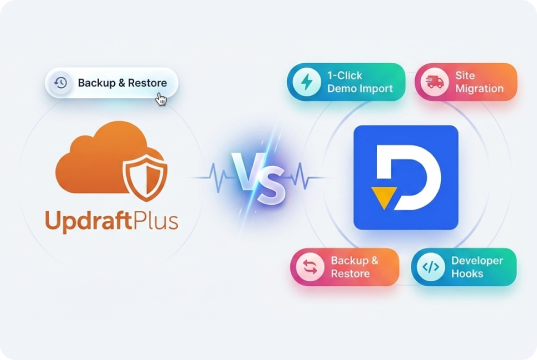
demi vs UpdraftPlus
Backup-focused, Long-Established
UpdraftPlus is a trusted WordPress backup plugin, ideal for scheduled backups and remote storage.
Demi goes further by combining backup, restore, migration, and One Click Demo Import in one free toolkit. It’s a better fit for users who want to manage multiple workflows without switching between plugins.
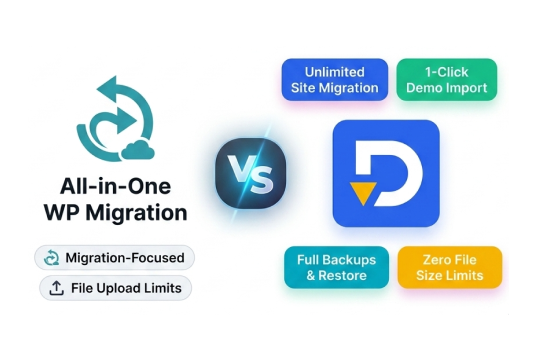
demi vs All-in-One WP Migration
Migration-focused, popular export/import flow
All-in-One WP Migration is popular for simple site export and import, especially when migration is the main need.
Demi covers more by combining migration, backups, and One Click Demo Import in one toolkit. It also reduces the need for extra plugins and avoids some limitations users may face with the free version of All-in-One WP Migration.
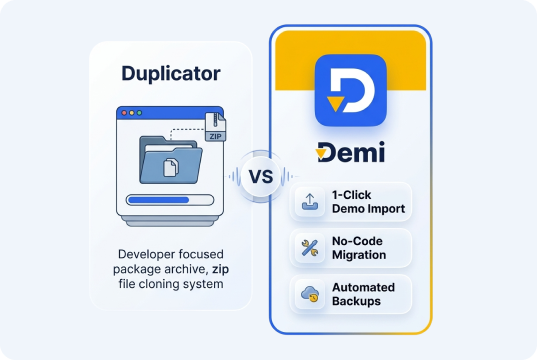
Demi vs Duplicator
Cloning & packaging, developer-oriented
Duplicator is strong for developer-focused site cloning and package-based migrations.
Demi offers a simpler no-code workflow for backup, restore, migration, and demo import, making it better suited for site owners, freelancers, and agencies.
demi vs WPvivid
Backup + migration in one plugin
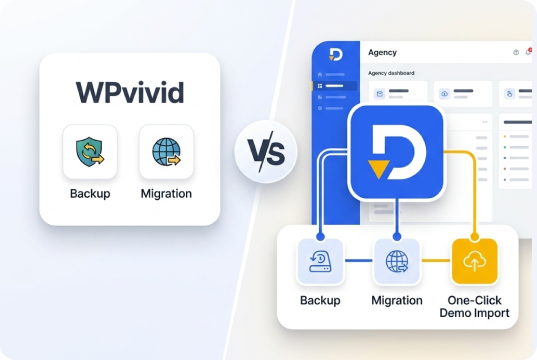
WPvivid combines backup and migration in one plugin, making it a solid option for those core needs.
Demi adds One Click Demo Import, making it more complete for theme developers, agencies, and client projects that need backup, migration, and demo setup in one workflow.
demi vs InstaWP
Cloud sandbox platform, not a plugin
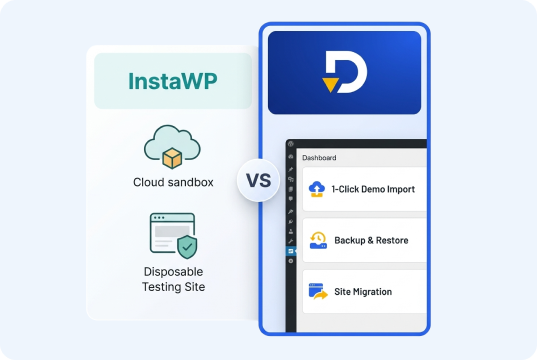
InstaWP focuses on cloud-based WordPress sandboxes for testing, demos, and temporary sites.
Demi works directly inside WordPress for real sites, combining backup, restore, migration, and One Click Demo Import without requiring an external platform account.
Why one dashboard
What This Means for Different Users
Demi combines backup, migration, and demo import in one tool, reducing the hassle of managing multiple plugins.
Step 01
Freelancers & agencies
Back up before changes, migrate staging to live, then import the next starter design - all from one dashboard and login.
01
Step 02
Theme developers
Ship demo import seamlessly without asking users to manually upload XML files or follow lengthy, multi-step setup documentation.
02
Step 03
Site owners
One plugin that covers site safety and site movement, without needing to evaluate or trust three separate developers' code.
03
Why one dashboard
What else your WordPress site might need
WordPress Ecommerce
checkout and payments sit outside Demi's backup/migration scope
WordPress Security
Firewalls, malware scanning, and stronger login protection.
Seo Plugins
Rankings and content structure, works alongside Demi.
WP-Optimize
Database and cache cleanup that complements backup & recovery work.
WordPress support services
Hands-on support for more complex setups and configurations.
CRM Plugins
Client and lead management in a separate, dedicated layer.
Everything You Need to
Know About Demi
Find quick answers about Demi, including demo imports, backups, restores, migrations, plugin compatibility, and more.
What is Demi plugin?
Demi is an all-in-one WordPress plugin that allows you to import demo content, create backups, and migrate websites from a single interface. It is designed for developers, agencies, and website owners who want a faster and simpler workflow.
How do I install Demi?
To install the Demi, follow the steps below: From your WordPress dashboard -> Go to Plugins -> Click on ‘Add new’-> In the Search field, enter Demi and choose Demi. Press install -> After installation, click Activate.
How does the one click demo importer work?
Demi’s one click demo importer allows you to instantly import complete demo websites including pages, posts, media, widgets, menus, and theme settings. This helps you launch a ready-made website within minutes.
Is Demi suitable for theme developers?
Absolutely. Demi provides developer-friendly hooks and filters that allow theme authors to register demo imports and customize workflows for their users.
Can I use Demi for WordPress site migration?
Yes, Demi includes a built-in site migration tool that allows you to move your website from one domain or server to another. It transfers your database, plugins, themes, and uploads safely.
Does Demi support full website backups?
Yes, Demi lets you create full WordPress backups including database and files. You can store multiple backups and restore your site anytime with ease.